Out of every ten people who add a product to their basket, seven leave without paying. That’s the average Baymard Institute works out from 50 studies on checkout abandonment: 70.22%. Losing sales along the way is normal for any online shop. What isn’t normal is not knowing exactly where you’re losing them, because that’s almost always where the fix lies.
Where the sale is lost: the first step is finding out
When someone tells us their shop isn’t selling, our first question isn’t which platform they use or how much they spend on ads, but where people drop off. An online purchase has four stages: arriving at the shop, viewing a product, adding it to the basket and paying. Each one has different problems and different fixes, and trying to fix everything at once is the most expensive way of fixing nothing.
The good news is that almost every shop already has the data to find out. Your website analytics or your shop’s own dashboard show how many visits you get, how many people view a product page, how many add something to their basket and how many complete checkout. With those four figures, the diagnosis practically writes itself:
| What you see in your data | Where the problem is | What to check |
|---|---|---|
| Few visits, even though the shop looks fine | Traffic | Google rankings, ad campaigns, social media |
| Visits, but hardly anyone clicks through to products | Homepage and categories | Messaging, navigation, site search, speed |
| People view products but don’t add them to the basket | Product page | Photos, description, price, delivery times, trust |
| People add to the basket but don’t pay | Basket and checkout | Extra costs, sign-up, form, payment methods |
If the problem is in the first row, your shop doesn’t have a sales problem, it has a visibility problem. We explain that in detail in website not showing up on Google. The rest of this article focuses on what happens when visitors do arrive and still don’t buy, which is what costs the most money, because you’ve already paid for those visits, whether in ads or in hard work.
Before you change anything, check it on mobile
Most visits to an online shop come from phones. Make a complete purchase on your own phone, using mobile data rather than Wi-Fi, just as a customer would. Many problems you can’t see on a computer show up in the first thirty seconds: buttons that are hard to tap, photos that take ages to load or a form that’s impossible to fill in with your thumb.
Visitors arrive, but nothing goes into the basket
When people open product pages and don’t add anything, the product page isn’t doing its job. In a physical shop, customers can touch the product, ask a shop assistant and see the final price. In an online shop, the product page has to do all three at once, and in most of the shops we review it falls short on at least one.
- Photos that stand in for touch. Several images, with zoom, from different angles and showing the product in use. A single photo on a white background is rarely enough.
- A description that answers questions. Measurements, materials, compatibility, who it’s for and who it isn’t for. If customers have to ask, they often don’t: they just leave.
- Price and delivery time visible next to the button. How much delivery costs and when it will arrive, before they get to the basket.
- Reviews from other customers. A few genuine ones are worth more than none.
- Returns policy one click away. Knowing they can send it back makes people less afraid of getting it wrong.
- A buy button that never disappears. Always visible on mobile, even as you scroll down the page.
Delivery times deserve a special mention. In Correos Express’s e-commerce trends study, 81.8% of Spanish shoppers say they decide not to buy if delivery is slow or inflexible, and 90% say delivery terms determine whether they buy or not. Hiding that information until the last step is an open invitation for customers to leave just when they’d made up their mind.
Speed matters too. A product page that’s slow to load loses visitors before they even see the product.
Does your shop need more than a few tweaks?Find out in a minute how much a new online shop built to sell would cost.
They add to the basket, but never finish paying
This is the stage that loses the most sales, and also the best researched. Every year, Baymard asks US shoppers why they abandoned a basket. 42% say they were just browsing and weren’t ready to buy yet, which no shop can completely prevent. Among the rest, who did intend to buy, these are the most common reasons:
These are US figures, but data from Spain points the same way: according to the Correos Express study, 87.8% of Spanish shoppers admit to having abandoned a purchase at some point because of delivery costs. A nasty surprise in the final price is, by far, what kills the most sales on both sides of the Atlantic.
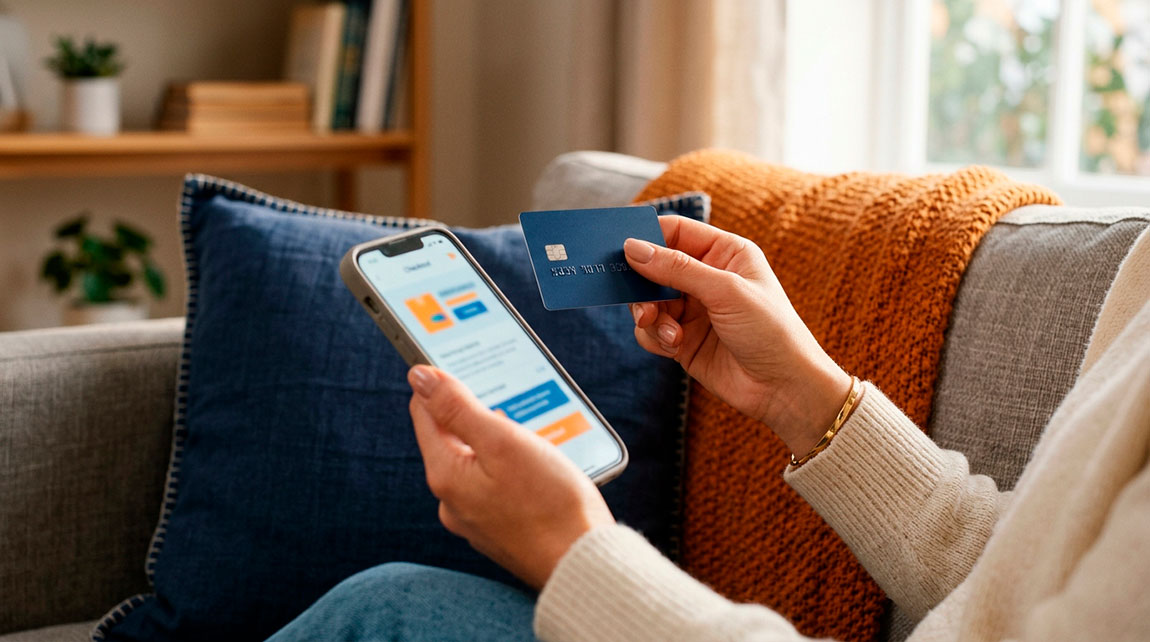
The form is the other big culprit. Baymard calculates that the average US checkout shows 23.48 form elements, when the ideal would be between 12 and 14. Every extra field is a reason to leave it for later, and in online shopping, later usually means never. These are the mistakes we see most often in the shops we review:
- Delivery costs that only appear at the end. Customers find out at the very last step that they’re paying several euros more than they expected.
- Compulsory sign-up to buy. Offer guest checkout and make an account optional, never a requirement.
- Fields you don’t need. Date of birth, a second phone number or typing your email address twice.
- Too few payment methods. Card, PayPal, Apple Pay and Google Pay cover almost everyone, plus local favourites such as Bizum in Spain; offering just one costs you sales.
- Errors that aren’t explained. A field highlighted in red without saying what’s wrong makes customers give up instead of correcting it.
- No signs of trust. With no contact details, no clear returns and no visible secure payment, customers hesitate right before handing over their card.
What to fix first and how much it costs
Once you’ve made your diagnosis, it’s time to decide where to start. Our rule is simple: start with whatever is closest to the payment, because that’s where every improvement shows up in sales within days. Then the product page and, finally, bringing in more visitors. Sending more traffic to a shop that loses seven out of ten baskets just multiplies the problem.
- Show the total cost from the product page. Delivery, timescales and, if there is one, the order value above which delivery is free.
- Simplify checkout. Guest checkout, only the essential fields and the payment methods your customers actually use.
- Recover abandoned baskets. An automatic email a few hours later, reminding customers what they left behind, wins back some of the sales you were about to lose.
- Improve the pages of your most-visited products. You don’t need to redo the whole catalogue: start with the twenty products that get the most traffic.
- Bring in more visitors once the shop converts. SEO for categories and product pages, Google Shopping and ad campaigns.
Is fixing it enough, or do you need to rebuild the shop? It depends on where the problems are:
| Fix your current shop | Rebuild it |
|---|---|
| The problems are with content: photos, descriptions, unclear delivery | The checkout can’t be simplified without changing platform |
| It loads quickly and works well on mobile | It’s slow, looks poor on mobile or throws errors at checkout |
| You can manage products and orders yourself | Every change depends on someone else and takes weeks |
To give you a reference, these are our prices for what’s usually needed, excluding VAT:
| What you need | Price |
|---|---|
| New online shop, 10 pages and 50 products | €2,200 |
| Abandoned basket recovery and email follow-up | €450 + €25/month |
| AI assistant that answers questions about orders and delivery | €600 + €60/month |
| National SEO for your shop | €400/month + €250 set-up |
| Google Shopping or Meta Ads, with ad spend of up to €1,000 | €200/month + €200 set-up |
Once the shop converts, traffic really starts to pay off. For an online fashion shop, we worked on categories and product pages so they’d rank high on Google, and today it’s in the top 3 for 40 buying-intent searches.
What you can do today
Ask someone you trust to buy something from your shop on their phone while you watch, without helping. Note down every time they hesitate, go back or ask something. In twenty minutes, you’ll have a list of the first things to fix.
If your shop gets visitors but doesn’t sell, or it’s time to replace it with one built to sell, we can help. Take a look at our e-commerce design service or tell us what’s happening with yours.